
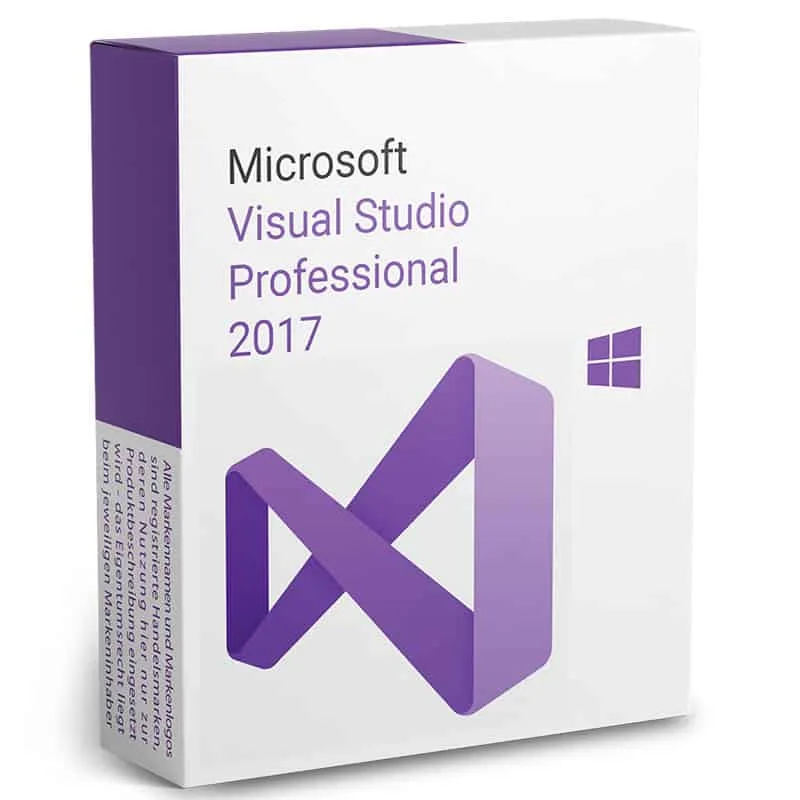
 Microsoft
Visual Studio 2017 Professional
One-time payment
€80.00
1
Instant digital delivery
14-day money-back guarantee
Genuine licence, EU invoice included
L
✓ Official invoiceSold by Licendi
Verified EU reseller · since 2022
About this licence
Microsoft Visual Studio 2017 Professional is an integrated development environment from Microsoft that provides tools for writing, testing and debugging software. It supports multiple operating systems and a wide range of programming languages, so developers can work on projects for desktop, web, mobile, analytics and game development.
Suitable for both experienced developers and those beginning to code, Visual Studio 2017 Professional enables end-to-end development across languages such as Visual Basic, .NET, PHP, C++, Java, Python, Node, Unity and Ruby. The environment is designed to handle all phases of the software development process.
What's included
- Integrated development environment by Microsoft
- Compatible with Windows, Linux and macOS
- Supports Visual Basic, .NET, PHP, C++, Java, Python, Node, Unity and Ruby
- Suitable for professional and beginner developers
- Can be used for web, desktop, mobile, big data and game development
System requirements
Minimum system requirements
. Supported operating systems: -Windows 10 version 1507 or later: Home, Professional, Education and Enterprise (LTSC and S are not supported). -Windows Server 2016: Standard and Datacenter -Windows 8.1 (with update 2919355): Core, Professional and Enterprise -Windows Server 2012 R2 (with update 2919355): Essentials, Standard and Datacenter -Windows 7 SP1 (with latest Windows updates): Home Premium, Professional, Enterprise and Ultimate Hardware 1.8 GHz processor or higher. Dual core or higher recommended. 2 GB of RAM; 4 GB of RAM recommended (minimum of 2.5 GB if running in a virtual machine) Hard disk space: up to 130 GB of available space, depending on installed features; typical installations require between 20 and 50 GB of free space. Hard disk speed: For improved performance, install Windows and Visual Studio on a solid state drive (SSD). Video card that supports a minimum display resolution of 720p (1280 x 720); Visual Studio will work best with a resolution of WXGA (1366 x 768) or higher. Supported languages Visual Studio is available in Czech, Chinese (Simplified), Chinese (Traditional), English, French, German, Italian, Japanese, Korean, Polish, Portuguese (Brazil), Russian, Spanish, and Turkish. You can select the Visual Studio language during installation. The Visual Studio installer is available in the same fourteen languages and matches the Windows language, if available. Note: Visual Studio 2017 Office integration for Team Foundation Server is available in all ten languages supported by Visual Studio Team Foundation Server 2017.Additional Requirements and Instructions
. Administrator rights are required to install or upgrade Visual Studio. Refer to the Visual Studio Administrator's Guide for additional considerations and instructions on how to install, deploy, upgrade, and configure Visual Studio in an organization. .NET framework 4.5.2 or higher is required to install Visual Studio. Visual Studio requires .NET Framework 4.7.2 to run, but will be installed during setup. Windows 10 Enterprise and Windows 10 S LTSC edition are not supported for development. To build applications that run on Windows 10 LTSC and Windows 10 S, you can use Visual Studio 2017. Internet Explorer 11 or Microsoft Edge are required for Internet-related scenarios. Some features may not work unless these solutions or later versions are installed. Visual Studio is not supported in virtualized environments, such as Microsoft App-V or MSIX for Windows or third-party application virtualization technologies. Running Visual Studio in a virtual machine environment requires a full Windows operating system. Multiple users running Visual Studio simultaneously is not supported. The Minimal Server Interface and Server Core options are not supported when running Windows Server. Windows containers are not supported, except with Visual Studio Build Tools 2017. For emulator support, Windows 8.1 Pro or Enterprise (x64) editions are required. A processor that supports Second Level Address Translation (SLAT) is also required. Universal Windows application development, including design, editing and debugging, requires Windows 10. Windows Server 2016 and Windows Server 2012 R2 can be used to create universal Windows applications from the command line. Team Foundation Server 2017 Office Integration requires Office 2016, Office 2013 or Office 2010. Xamarin.Android requires a 64-bit edition of Windows and 64-bit Java Development Kit (JDK). PowerShell 3.0 or later version on Windows 7 SP1 is required to install mobile development with C++, JavaScript or .NET workloads.Additional information
You can find more information on the official product website. If you have any questions left, we will be happy to help you through our live online chat right now.
Frequently asked questions
Customer reviews
No reviews yet
Be the first to review this product after your purchase.