
 Microsoft
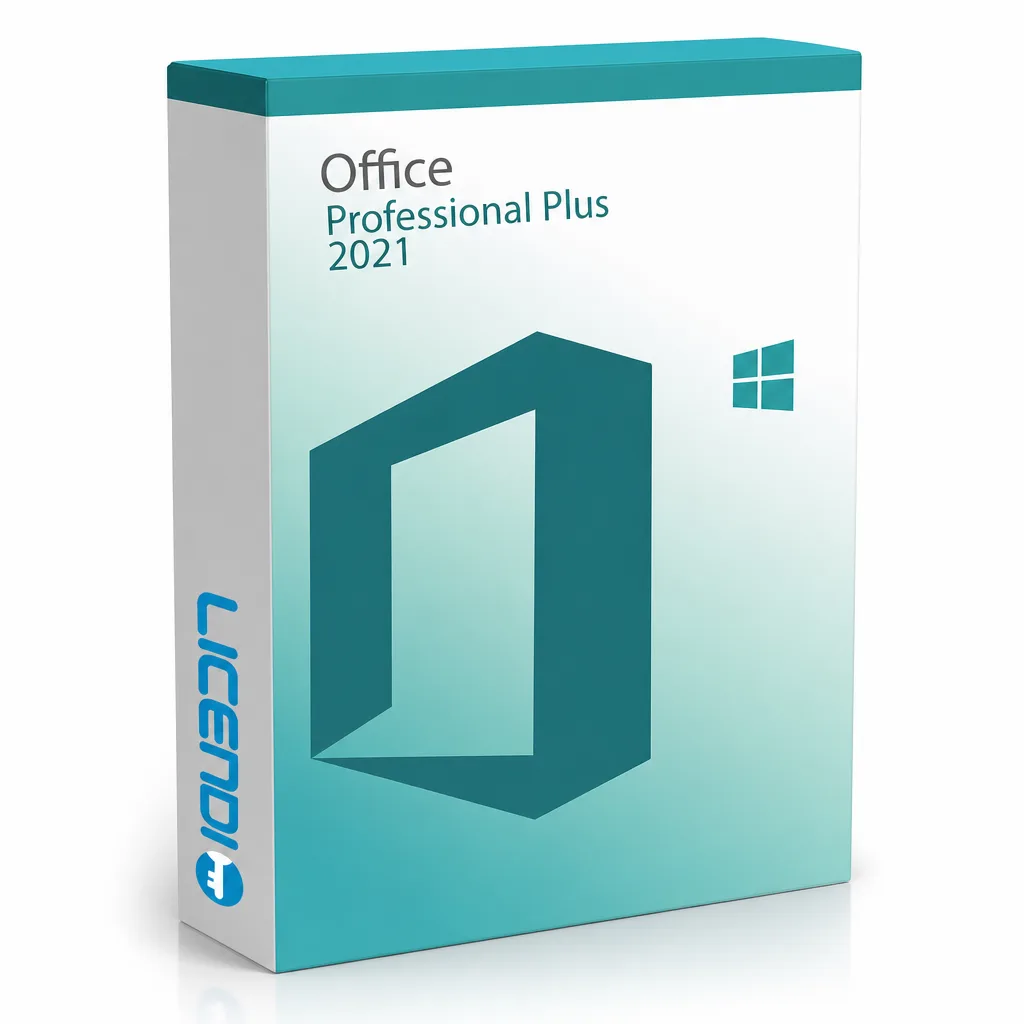
Microsoft Office 2021 Professional Plus
About this licence
Microsoft Office 2021 Professional Plus is a perpetual, one-time-purchase office suite for a single Windows PC. It includes Word, Excel, PowerPoint, OneNote, Outlook, Publisher, Access and Teams (Teams requires a separate download), delivered as a digital key by email.
This Professional Plus edition refreshes the familiar Office workflow with updated editing features, co-authoring tools, real-time translation, motion graphics and performance improvements. Licences are available as bound (transferable to a new PC) or OEM (single activation).
- Perpetual licence — one-time purchase, no subscription
- Platform: Windows only (Windows 10 or 11)
- Includes Word, Excel, PowerPoint, OneNote, Outlook, Publisher, Access, Teams (separate download)
- Delivery: digital key by email (instant during office hours, within 24 hours otherwise)
- Licence variants: Bound (transferable) or OEM (single activation)
System requirements
As of 2026-04-20 the requirements are as follows:
Processor 1.6 GHz or faster, 2 coresOperating system Windows 10, Windows 11, or Windows Server 2019/2022
Memory 4 GB RAM (64-bit) or 2 GB RAM (32-bit)
Hard disk 4.0 GB of available disk space
Display 1280 × 768 resolution
Internet Required for activation and cloud features
Requirements change over time — the latest official list is on the Microsoft Office 2021 deployment site.
Additional information
Office 2021 Professional Plus is sold as a perpetual licence — you pay once and keep the software with no recurring subscription. Each licence activates one Windows PC.
Licence variants: choose Bound (linked to your Microsoft account, transferable to a new PC) or OEM (single activation on one PC, tied to that device). See the FAQ for details.
Languages: Office 2021 Professional Plus supports all Microsoft-supported languages — the interface language is chosen during install.
Platform coverage: Windows 10, Windows 11, and Windows Server 2019/2022 only. Not compatible with macOS — for Mac, see Office Home and Business 2021. See the Requirements section for full specifications.
What you receive
- Office 2021 Professional Plus product key (by email)
- Download link for the official Microsoft installer
- PDF invoice with licence details
- Step-by-step activation guide
Digital key delivery — instant during office hours, within 24 hours at all other times.
How to activate
- Download Office 2021 Professional Plus using the link in your Licendi email
- Install Office on your Windows PC
- Launch any Office app (e.g. Word) and enter the product key from your Licendi email when prompted
Support
Support is available 24/7 by email and live chat. If anything goes wrong with your key or activation, contact us and we'll work on a solution for you.